Multiplayer Setup
Guia multiplayer de Gamble With Your Friends: convidar amigos
Veja como jogar com 1–6 pessoas, convidar até cinco amigos pela Steam, usar voz por proximidade e corrigir problemas do lobby.
Resposta rápida: como funciona o multiplayer?
Gamble With Your Friends aceita de 1 a 6 jogadores online. O anfitrião cria uma sessão privada para amigos e convida até cinco contatos da Steam. A página oficial também informa chat de voz por proximidade.
Preparação
Lobby checklist
Use the same updated Steam build and confirm everyone is online before hosting.
Official Steam build
Launch through Steam; unofficial or cracked copies are outside this guide.
Update everyone
Finish updates and restart Steam.
Stable host
Keep one reliable host while testing.
Online presence
Confirm every friend appears online and invite-ready.
Convites
Como convidar amigos
Create the private session first, then send invitations through the game or Steam overlay.
Launch through Steam
The host opens the game from the Steam library.
Create the lobby
Choose friends-only multiplayer and wait for the lobby.
Invite five friends
Use the game invite control or Steam overlay.
Check loading
Confirm every player and voice connection before starting.
Restart cleanly
Restart the game and Steam, then recreate the lobby if needed.
Tamanho do grupo
Melhor tamanho de grupo: solo até seis
The official range is one to six; choose based on speed, coordination, and social chaos.
| Grupo | Melhor para | Desvantagem |
|---|---|---|
| 1 jogador | Praticar sistemas e ritmo | Sem apoio cooperativo |
| 2–3 jogadores | Decisões rápidas e agenda simples | Cada erro pesa mais |
| 4 jogadores | Bom equilíbrio de funções e comunicação | Exige regras claras |
| 5–6 jogadores | Máximo caos social | Mais vozes simultâneas e maior exigência do lobby |
Comunicação
Como usar o chat de proximidade
Repeat important calls because distant players may not hear proximity audio.
Repeat decisions
Confirm quota, exit, and risk calls.
Short callouts
Use names, places, danger, and timing.
Regroup rule
Choose a meeting place before splitting.
Backup chat
Keep Steam chat available for audio failures.
Mídia oficial
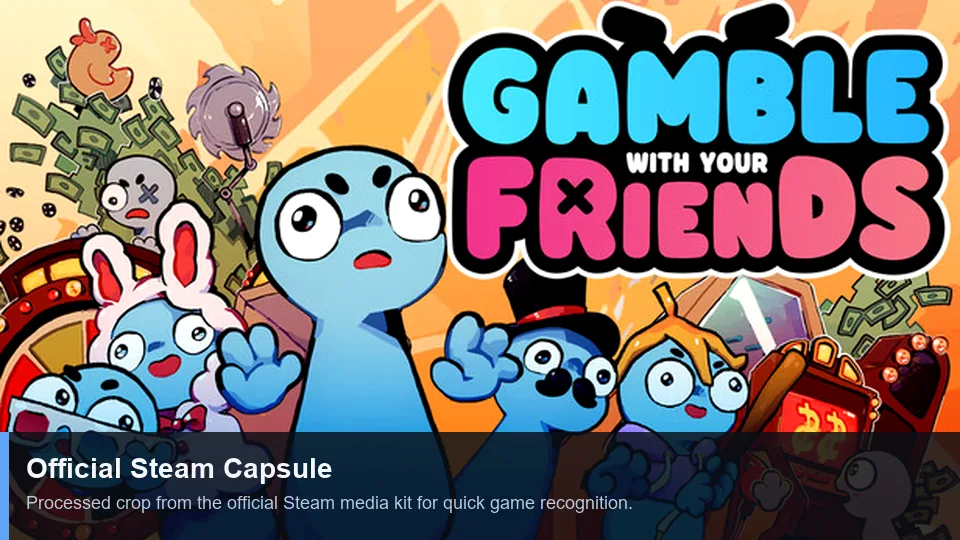
Official multiplayer media
First-party Steam art and trailer illustrate the social co-op presentation.
Soluções
Corrigir problemas de lobby e convite
Change one variable at a time, starting with versions and Steam status.
| Sintoma | Causa provável | O que tentar |
|---|---|---|
| Convite não aparece | Status da Steam ou lobby antigo | Ficar online, recriar o lobby e reenviar uma vez. |
| Aceita mas não carrega | Versões diferentes | Atualizar todos e reiniciar jogo e Steam. |
| Só uma pessoa falha | Rede, firewall ou conta | Testar outro anfitrião e revisar segurança sem desativar a proteção permanentemente. |
| Sem voz | Dispositivo ou permissão incorreta | Verificar microfone, permissões do sistema e áudio do jogo. |
| Falha apenas com mods | Mods incompatíveis | Voltar ao jogo limpo e consultar o guia de mods. |
Limites de palavras-chave
O que pertence a esta página
Termos relacionados são classificados pela intenção; nem toda variação merece uma nova página.
| Grupo de palavras | Decisão | Motivo |
|---|---|---|
| multiplayer | New page | Distinct lobby and invite intent. |
| invite friends | Section + FAQ | Too narrow for another page. |
| how to play | Existing guide | Broad gameplay intent. |
| strategy / tips | Existing guide + anchors | A new URL would duplicate intent. |
| cracked / free | No action | Unsafe piracy intent is excluded. |
FAQ
FAQ multiplayer
Fontes
Referências oficiais
Player-count and feature claims were checked on the official Steam page on July 13, 2026.