Multiplayer Setup
Guide multijoueur Gamble With Your Friends : inviter des amis
Découvrez le mode 1 à 6 joueurs, les invitations Steam pour cinq amis, le chat vocal de proximité et le dépannage des salons.
Réponse rapide : comment fonctionne le multijoueur ?
Gamble With Your Friends prend en charge 1 à 6 joueurs en ligne. Un hôte crée une session privée réservée aux amis et invite jusqu’à cinq contacts Steam. La page officielle indique aussi un chat vocal de proximité.
Préparation
Lobby checklist
Use the same updated Steam build and confirm everyone is online before hosting.
Official Steam build
Launch through Steam; unofficial or cracked copies are outside this guide.
Update everyone
Finish updates and restart Steam.
Stable host
Keep one reliable host while testing.
Online presence
Confirm every friend appears online and invite-ready.
Invitations
Comment inviter des amis
Create the private session first, then send invitations through the game or Steam overlay.
Launch through Steam
The host opens the game from the Steam library.
Create the lobby
Choose friends-only multiplayer and wait for the lobby.
Invite five friends
Use the game invite control or Steam overlay.
Check loading
Confirm every player and voice connection before starting.
Restart cleanly
Restart the game and Steam, then recreate the lobby if needed.
Taille du groupe
Meilleure taille de groupe : solo à six
The official range is one to six; choose based on speed, coordination, and social chaos.
| Groupe | Idéal pour | Compromis |
|---|---|---|
| 1 joueur | Apprendre les systèmes et le rythme | Aucun soutien coopératif |
| 2–3 joueurs | Décisions rapides et organisation simple | Chaque erreur compte davantage |
| 4 joueurs | Bon équilibre des rôles et des échanges | Demande des règles claires |
| 5–6 joueurs | Chaos social maximal | Plus de voix simultanées et de contraintes de salon |
Communication
Bien utiliser le chat vocal de proximité
Repeat important calls because distant players may not hear proximity audio.
Repeat decisions
Confirm quota, exit, and risk calls.
Short callouts
Use names, places, danger, and timing.
Regroup rule
Choose a meeting place before splitting.
Backup chat
Keep Steam chat available for audio failures.
Médias officiels
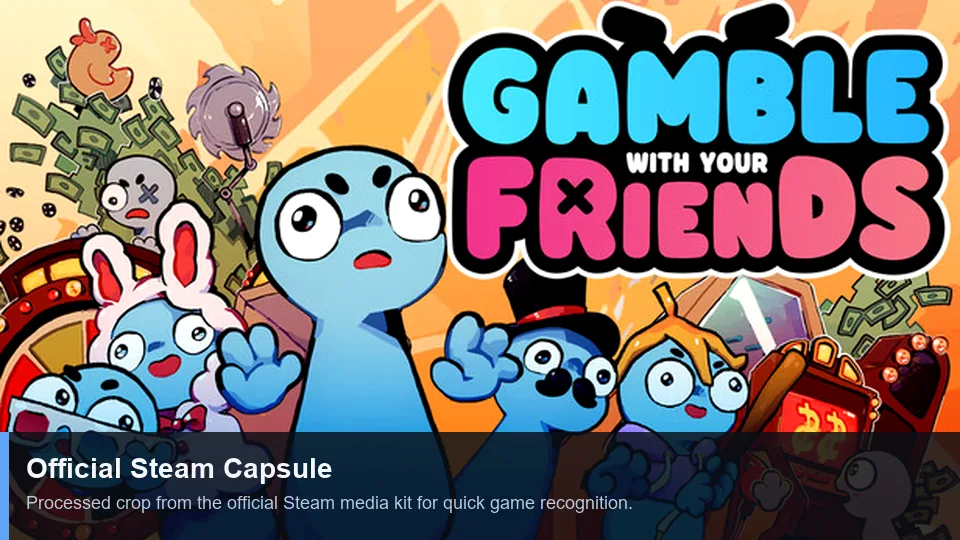
Official multiplayer media
First-party Steam art and trailer illustrate the social co-op presentation.
Dépannage
Résoudre les problèmes de salon et d’invitation
Change one variable at a time, starting with versions and Steam status.
| Symptôme | Cause probable | Solution |
|---|---|---|
| Invitation absente | Statut Steam ou ancien salon | Passer en ligne, recréer le salon et renvoyer une fois. |
| Invitation acceptée sans chargement | Versions différentes | Tout mettre à jour puis redémarrer le jeu et Steam. |
| Une seule personne échoue | Réseau, pare-feu ou compte | Tester un autre hôte et vérifier la sécurité sans désactiver durablement la protection. |
| Pas de voix | Mauvais périphérique ou autorisation | Vérifier micro, permissions du système et audio du jeu. |
| Échec uniquement avec des mods | Mods incompatibles | Revenir au jeu sans mod et lire le guide des mods. |
Limites des mots-clés
Ce qui appartient à cette page
Les requêtes connexes sont classées selon leur intention ; chaque variante ne justifie pas une nouvelle page.
| Groupe de mots-clés | Décision | Raison |
|---|---|---|
| multiplayer | New page | Distinct lobby and invite intent. |
| invite friends | Section + FAQ | Too narrow for another page. |
| how to play | Existing guide | Broad gameplay intent. |
| strategy / tips | Existing guide + anchors | A new URL would duplicate intent. |
| cracked / free | No action | Unsafe piracy intent is excluded. |
FAQ
FAQ multijoueur
Sources
Références officielles
Player-count and feature claims were checked on the official Steam page on July 13, 2026.